AI Image Enhancer
This feature uses advanced AI to analyze the overall quality of a photo and improve it by refining its sharpness, upgrading color accuracy and restoring lost detail. It has 3 AI models providing different quality of output.
Enhance your images in just one click using our AI picture Enhancer. It improves quality, sharpens details, increases clarity, and restores colors while rebuilding detail in seconds. Try it for free today!
See how each enhancement feature of our tool transforms a different type of photo, from restoring old memories to sharpening product shots all in a single click.
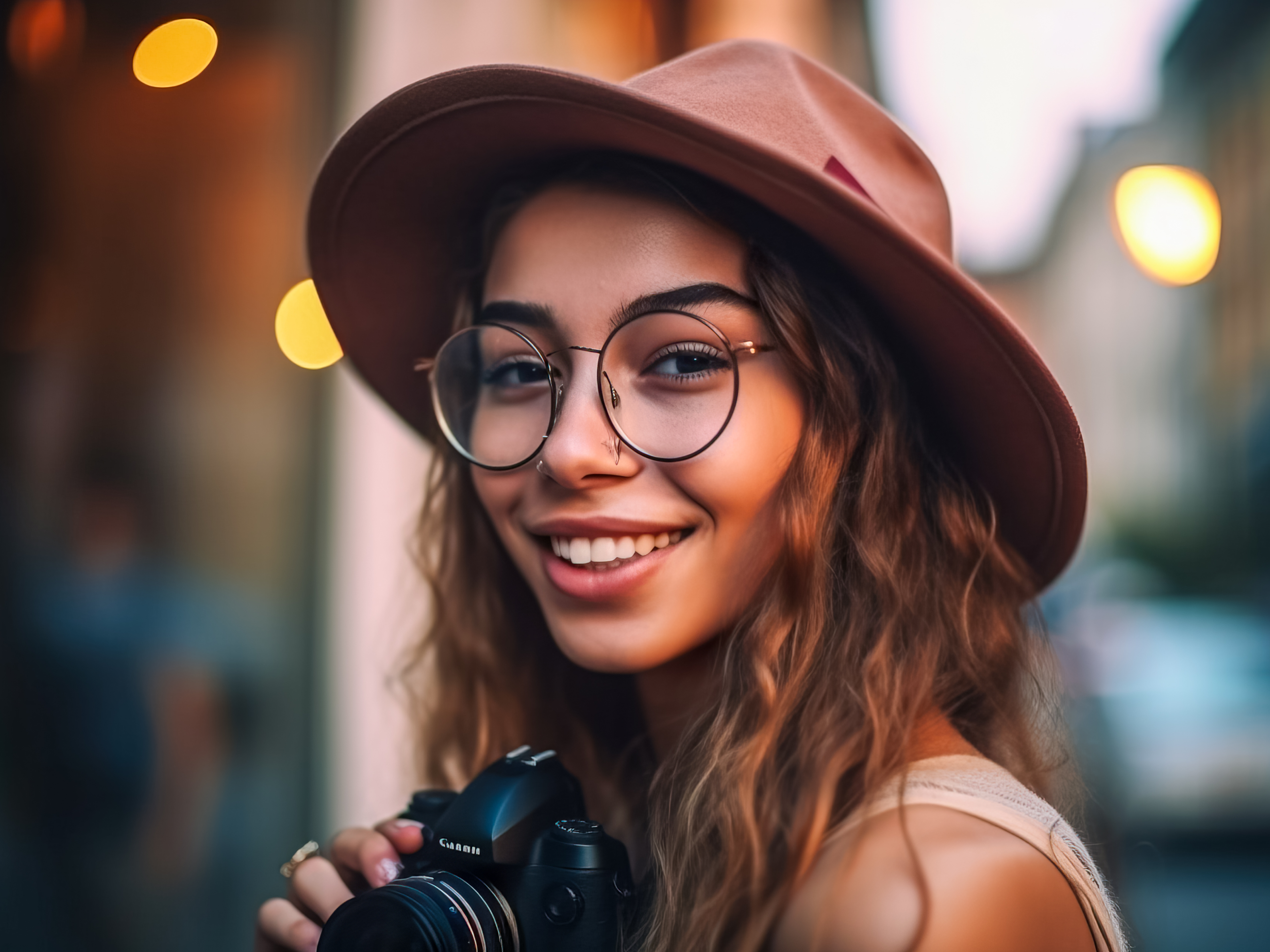
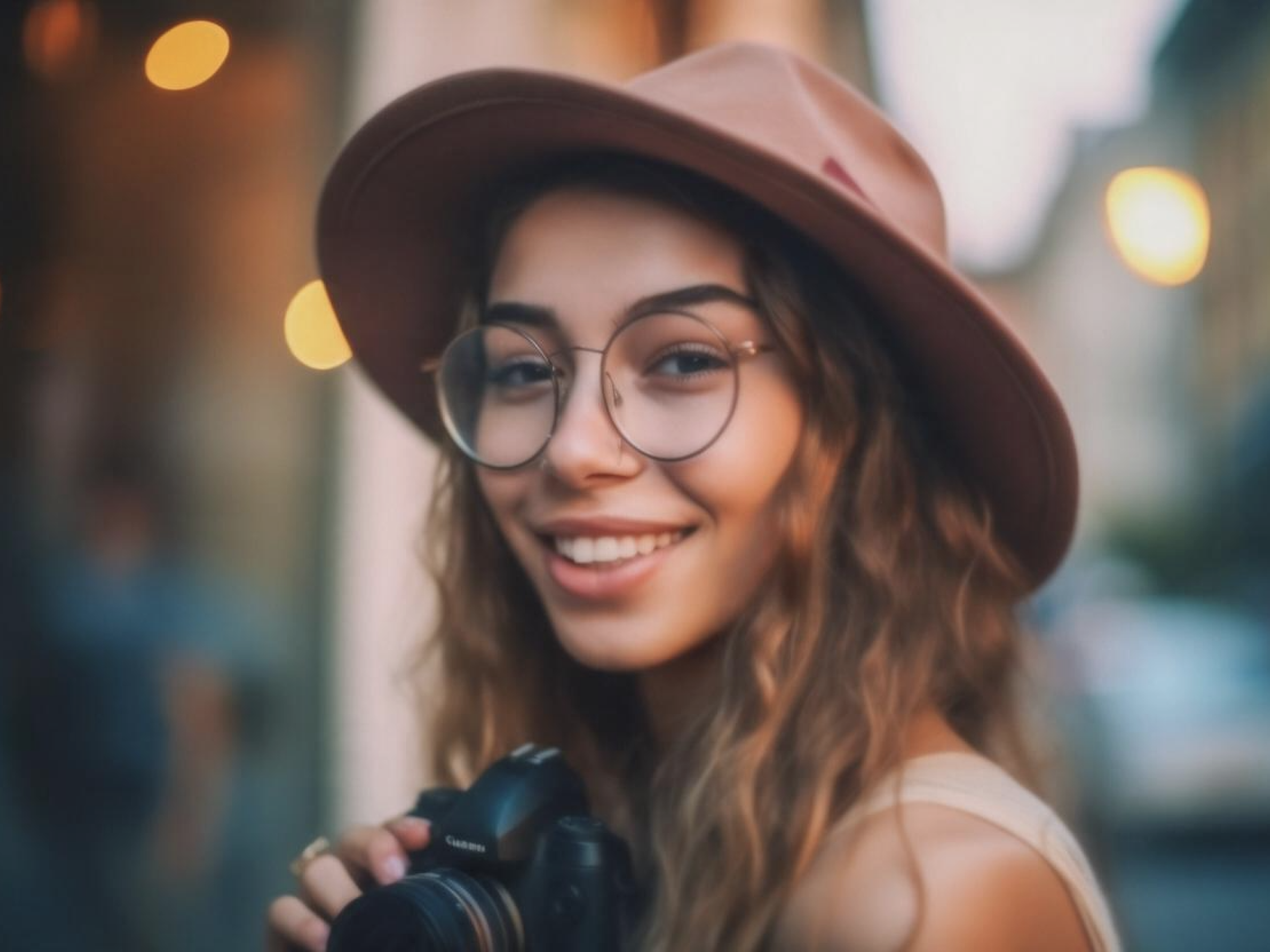
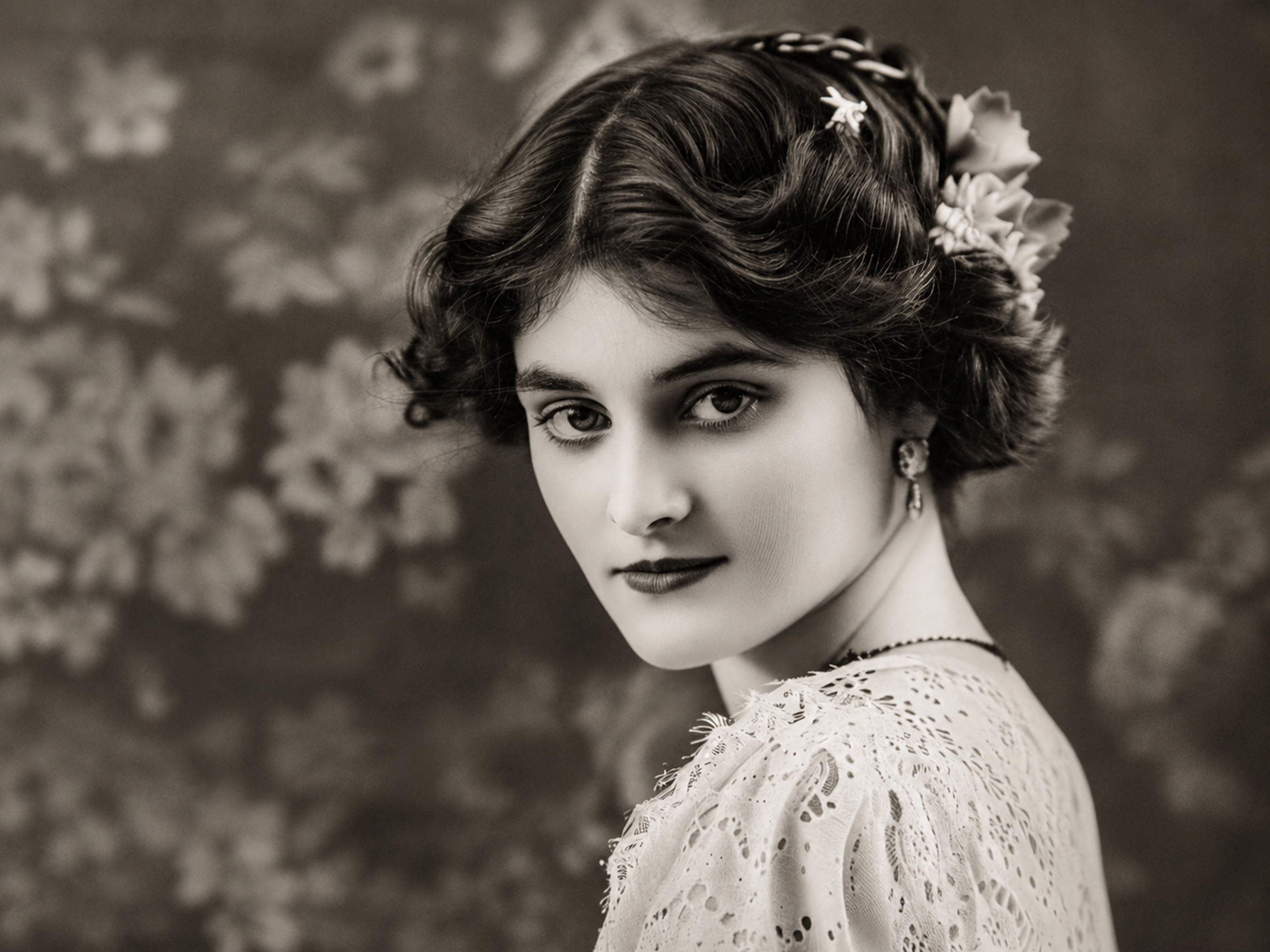
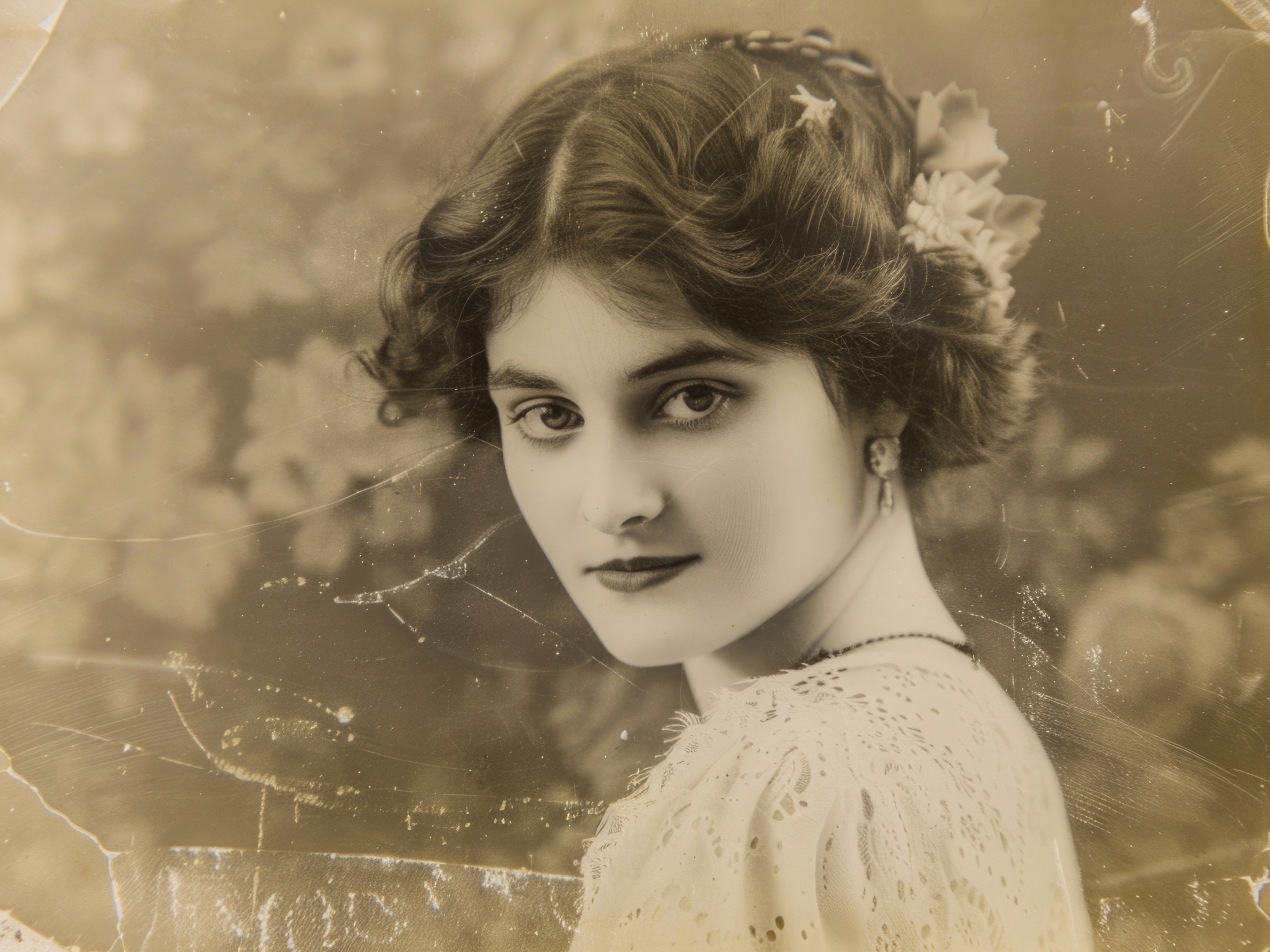
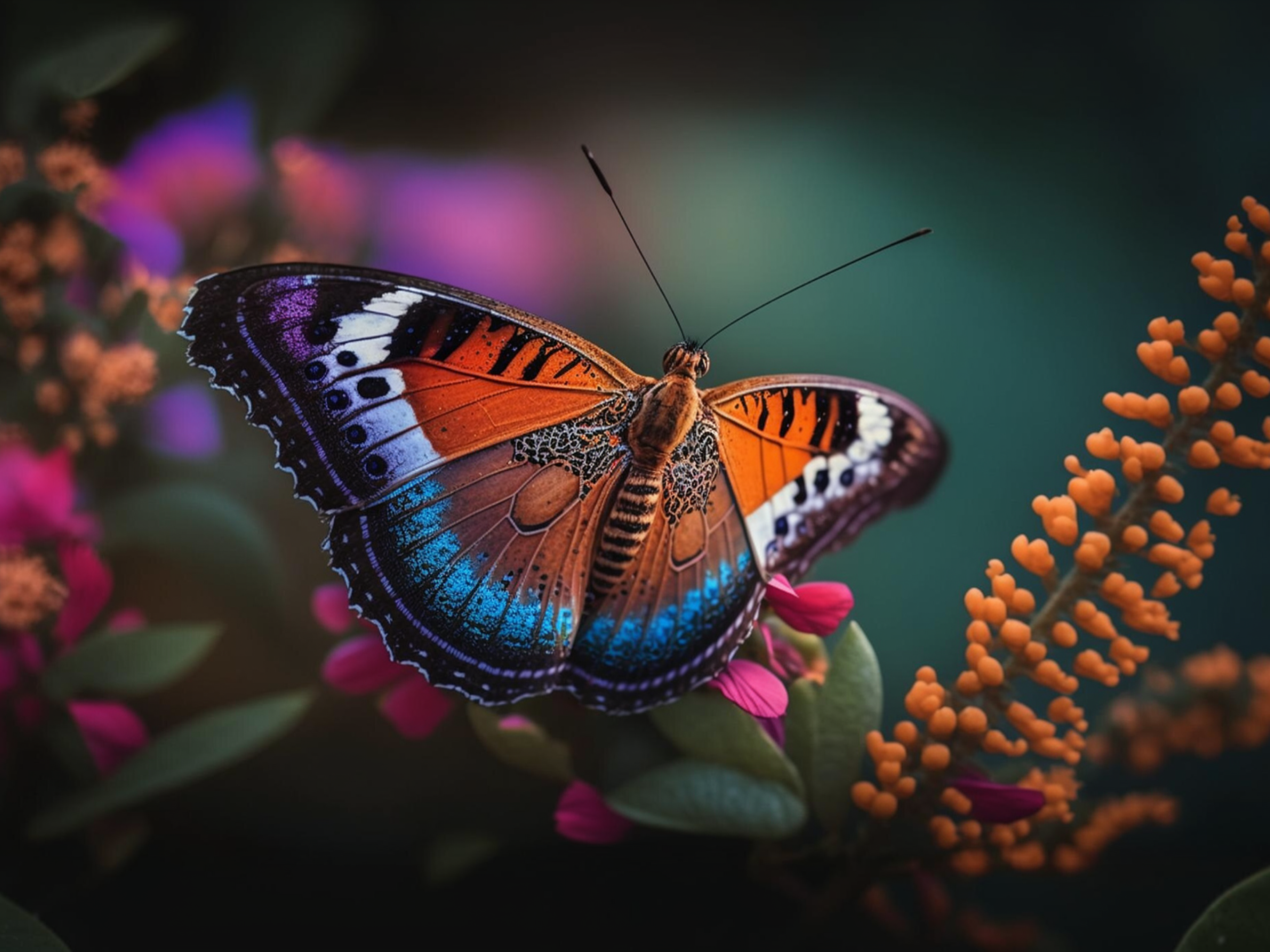
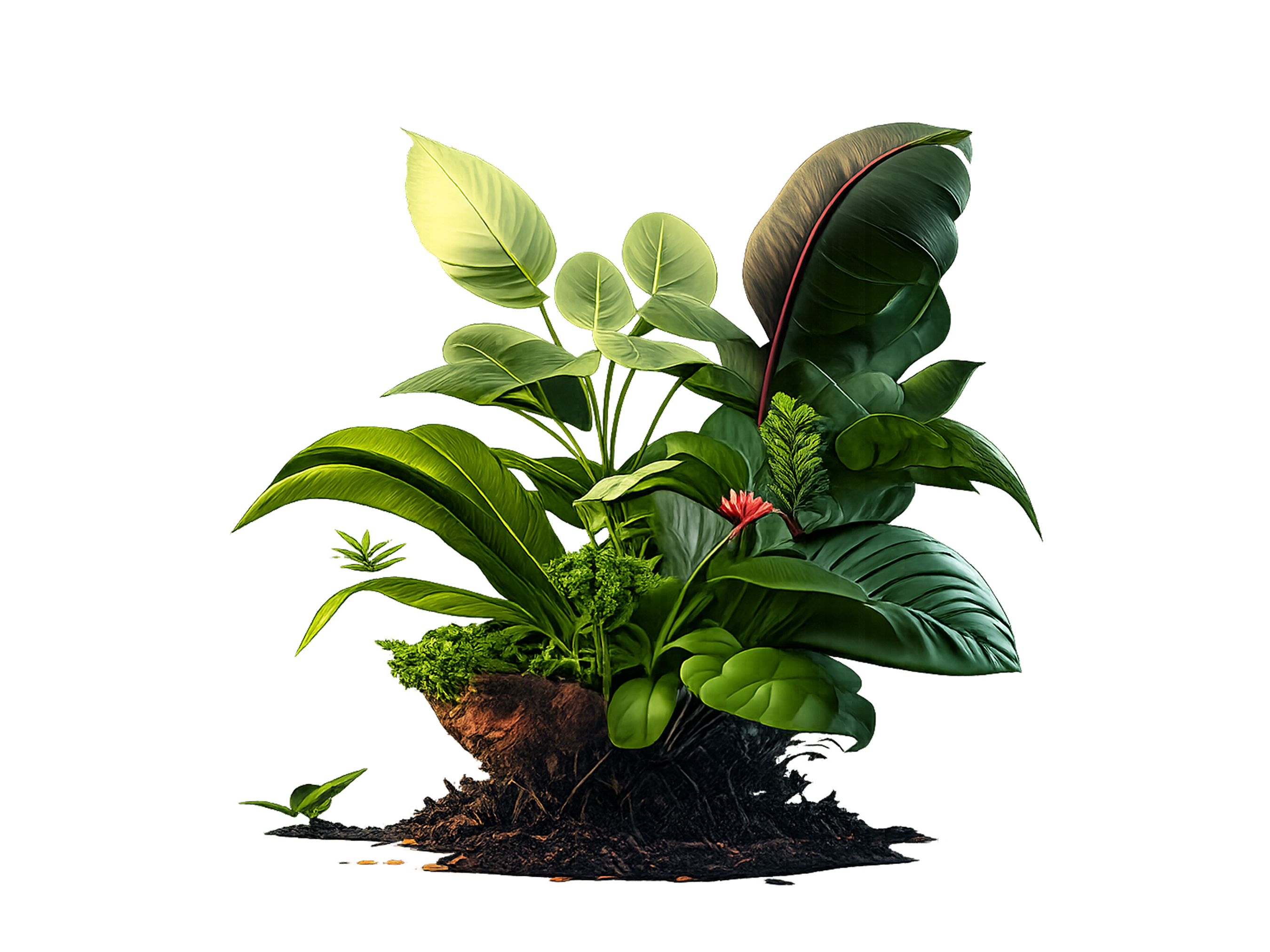
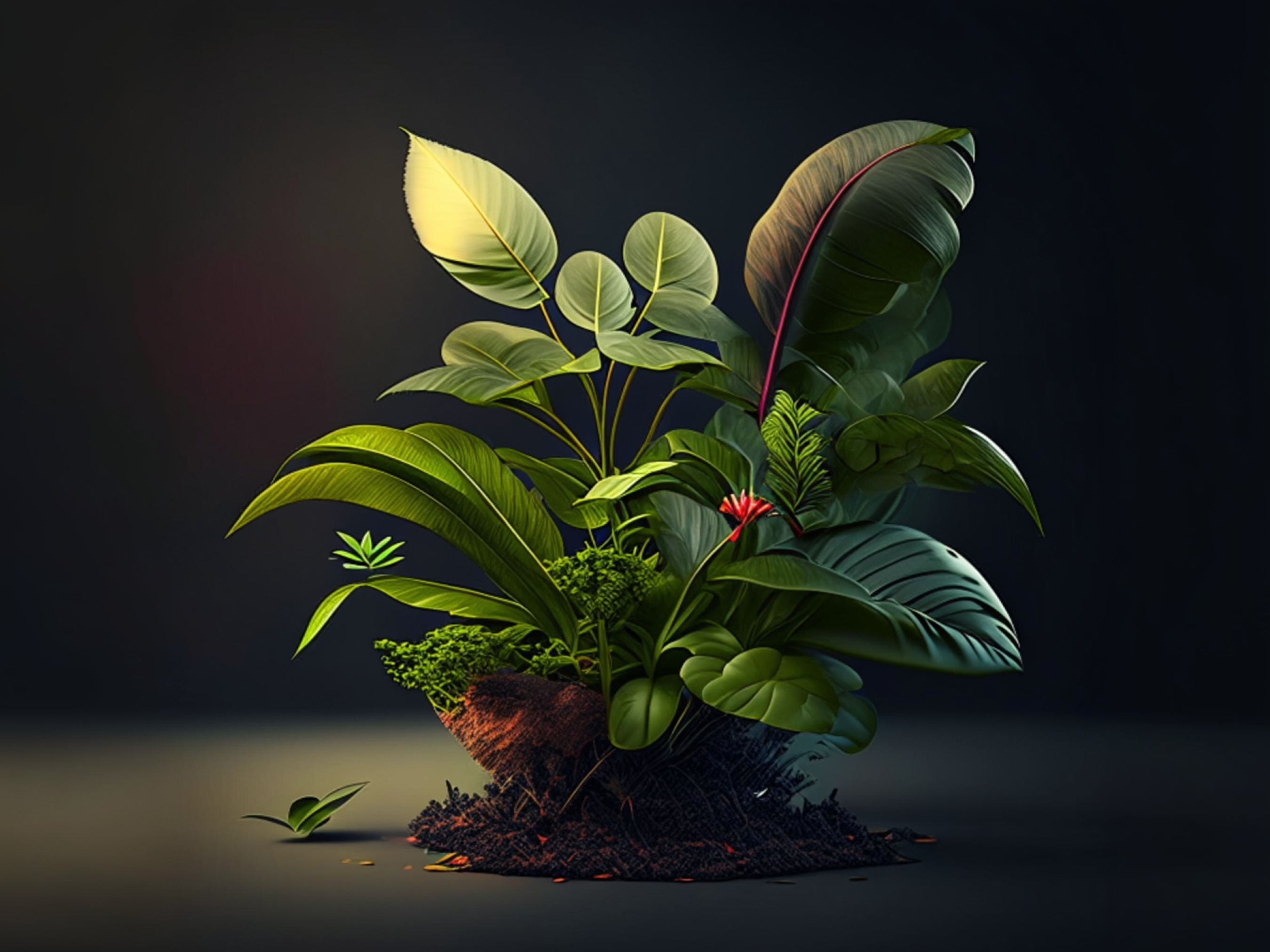
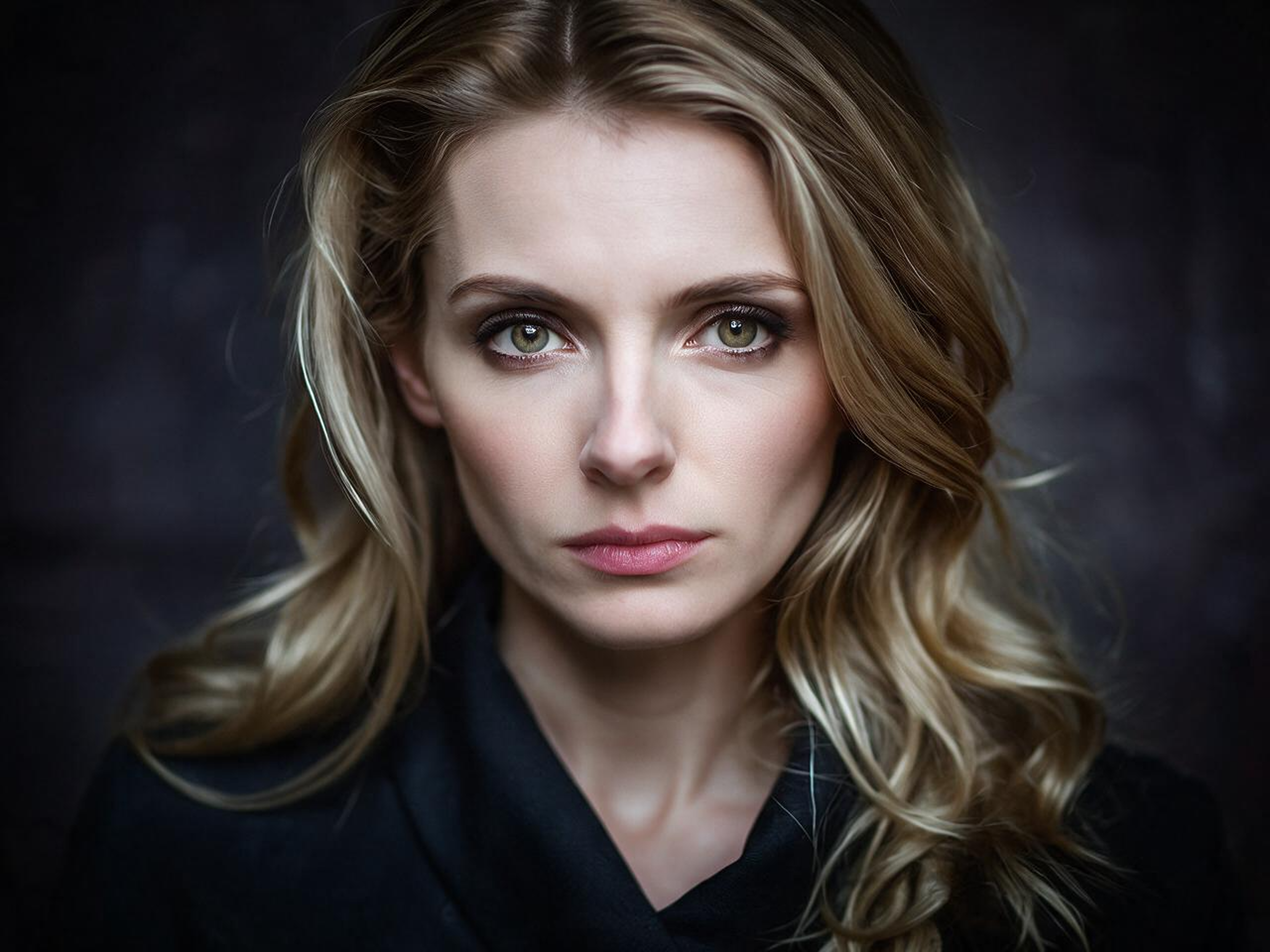
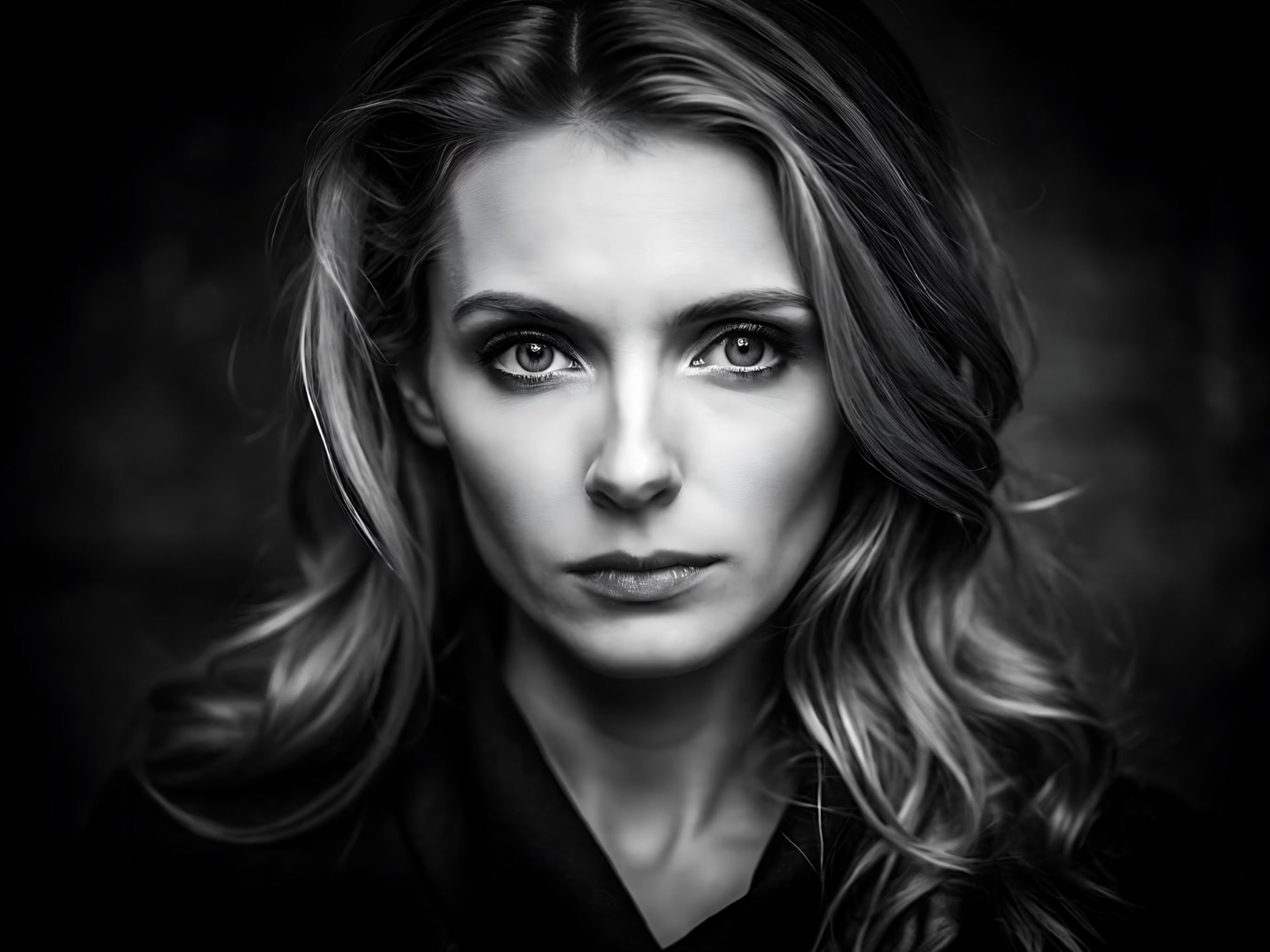
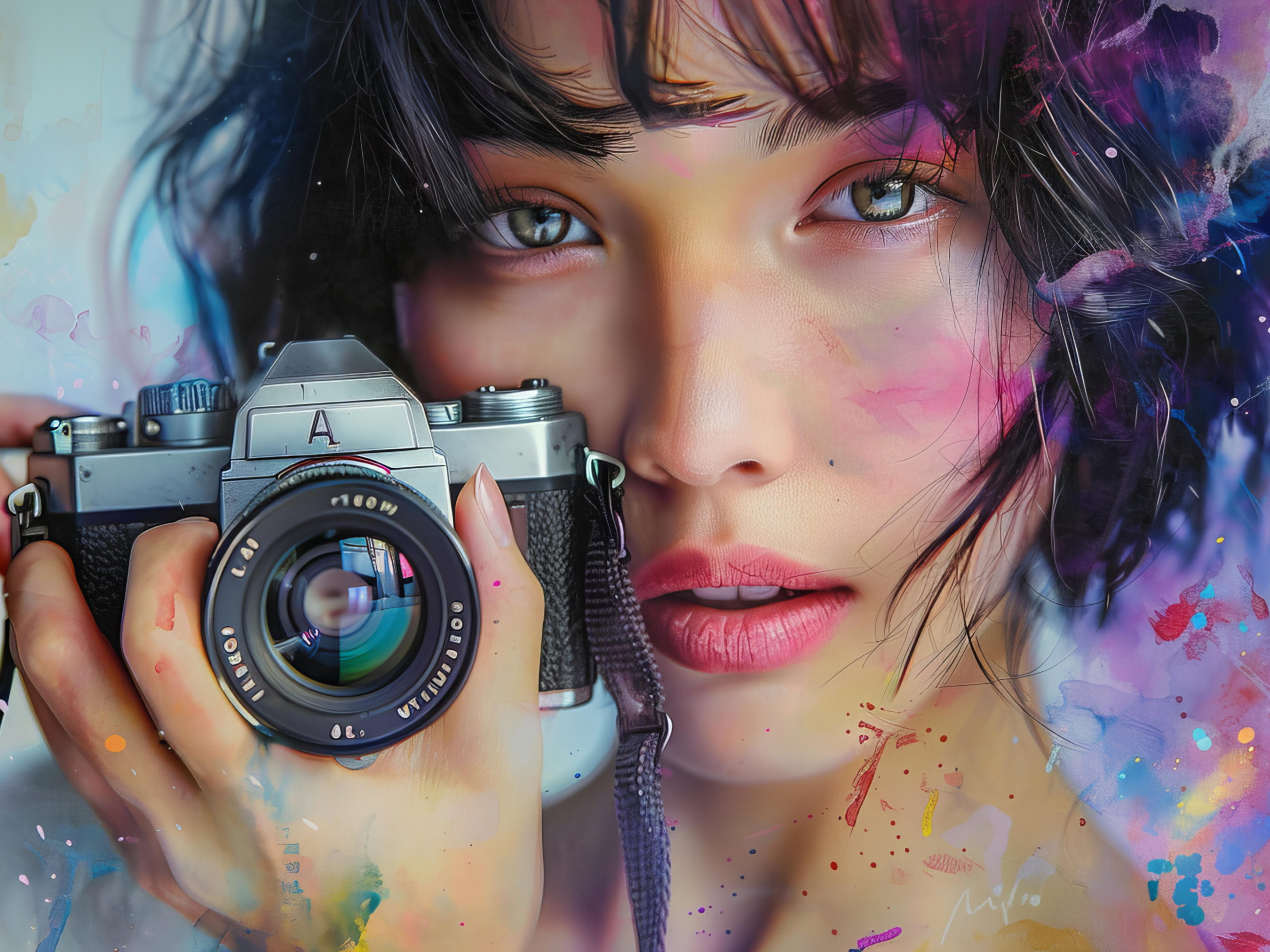
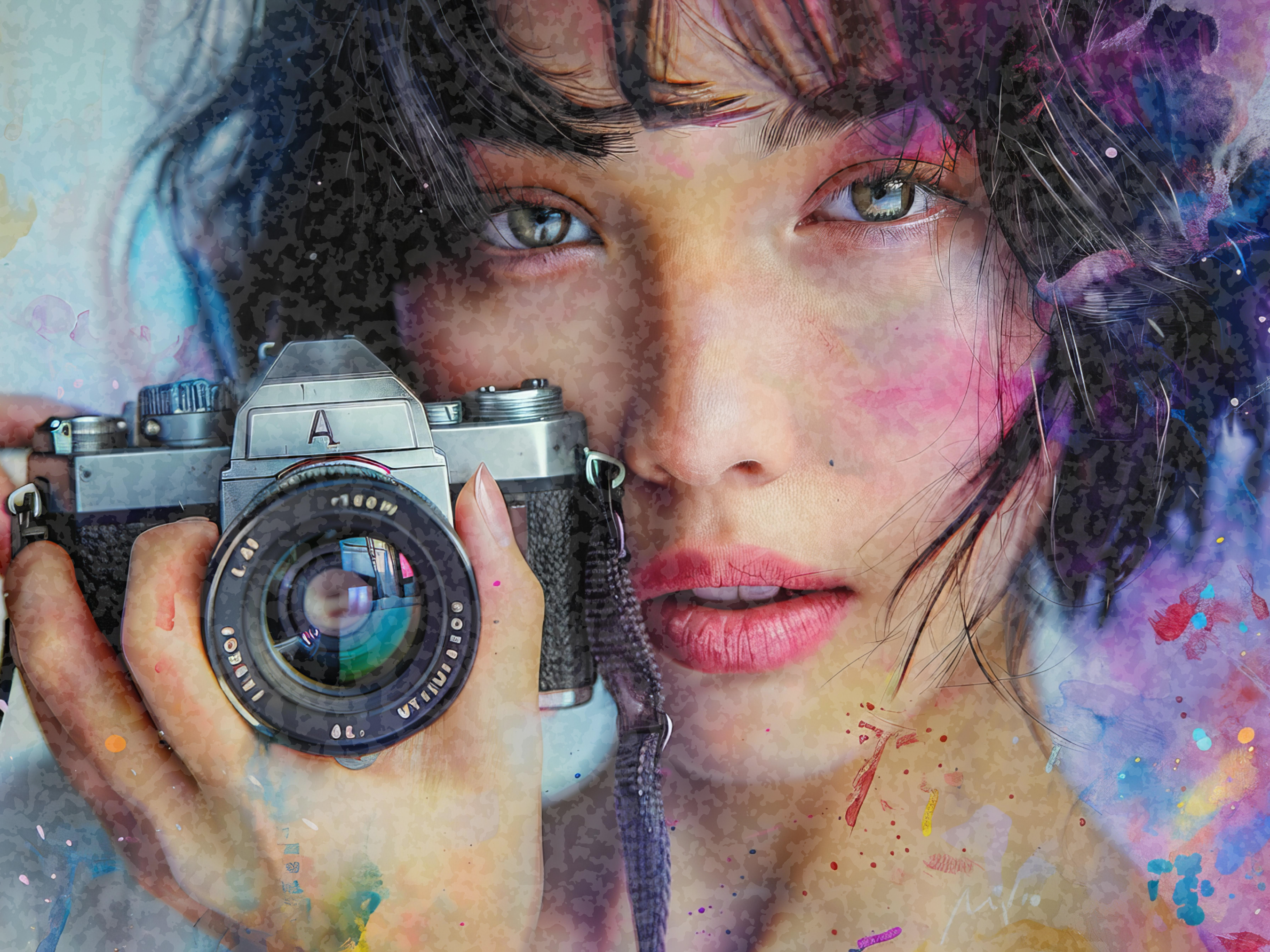
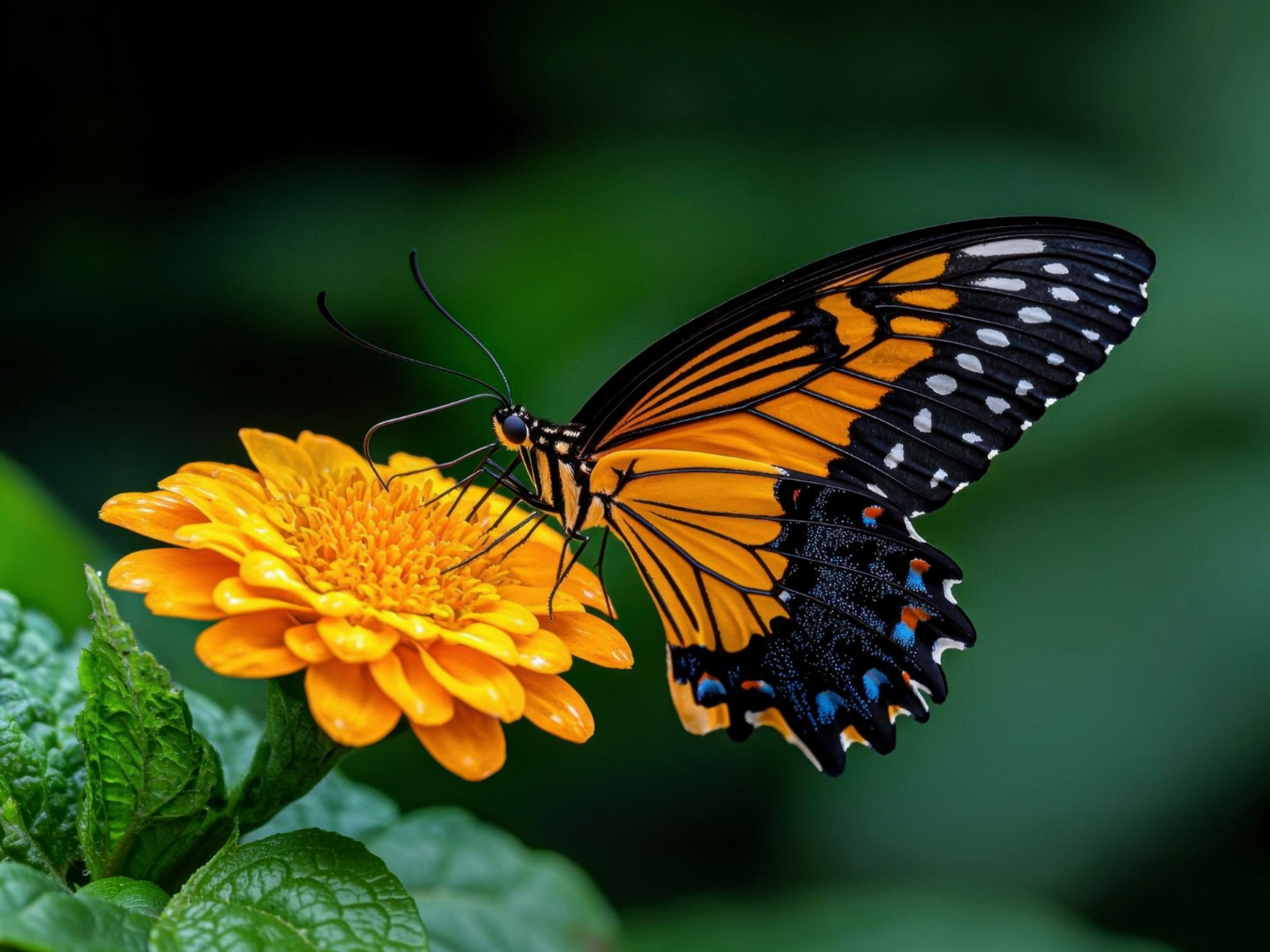
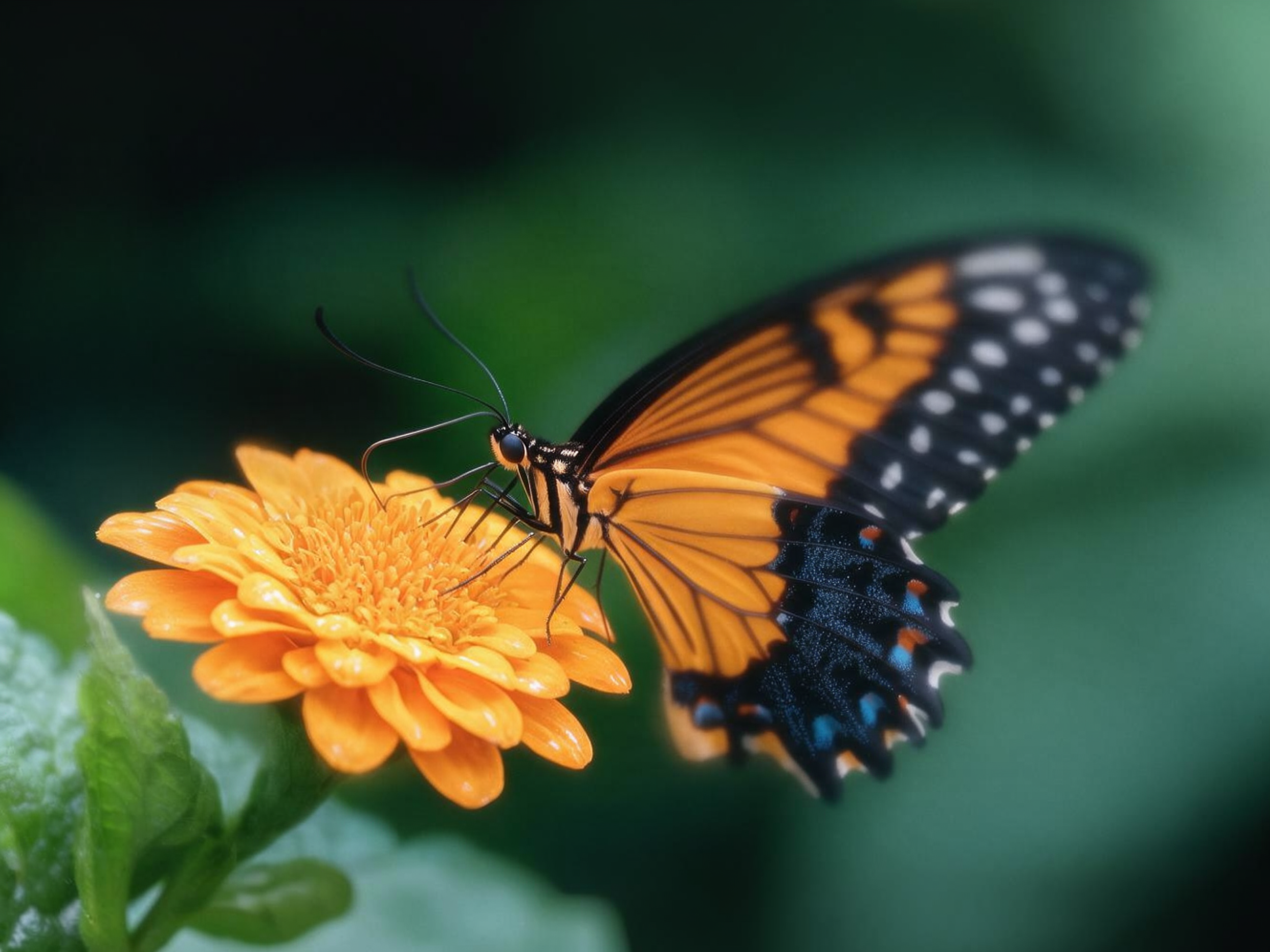
It is an AI-powered image enhancement tool that improves the visual quality of any photo by refining its sharpness, clarity, color accuracy and resolution. It processes different types of images with their own set of improvement needs. It is equipped with a complete toolkit to help you optimize, upscale, restore, deblur and colorize any type of image within seconds.
Here are the top features of our tool that makes it the best and only choice of anyone who wants to improve and fix the image quality either for marketing, business or personal purposes.
This feature uses advanced AI to analyze the overall quality of a photo and improve it by refining its sharpness, upgrading color accuracy and restoring lost detail. It has 3 AI models providing different quality of output.
Our tool also helps users to upscale the uploaded images to 2x and 4x while maintaining the highest quality. This Ai powered tool reconstitutes the minor detail and turns the small images into large ones.
While restoring or improving image quality in our tool you can also remove background as its a most needed feature while editing images. It has an AI-powered background remover which helps to detect and remove backgrounds in complex scenes with precision.
Photo restoration feature helps you restore damaged or faded images or even some parts of the image with the help of integrated AI. It helps fix imperfections, improve clarity, and repair damage while preserving the natural details of the image.
If you’re enhancing old or historical images our tool helps you perfectly add colors back to the image while the scene remains original. Colorization in black & white historical images makes it the best tool to restore old pictures for people who want to save old memories.
It can easily remove blur from images and sharpen them in a matter of seconds. This feature helps to restore clarity to out-of-focus images instantly.
Click to select the file or you can simply drag your images to the page.
You can apply customizations as per your requirement from the available options that include Enhance, unblur, upscale, restoration and more.
Once you've applied the customizations, you can see a before/after comparison of the image. This is the point where you can preview before downloading.
Once you are completed with preview, you can download your image in various formats PNG, JPG, or WebP.
Our AI-powered picture quality improver is a perfect online tool for various industries. From personal use to public, corporate, and professional. Here are a few from top niches where our tool is a must have.
The professional photographers use our tool to refine the resolution of their captured images which allows them to upscale photos without losing the natural texture and detail that define professional-grade photography. Our tool helps them correct the color balance and reduce noise from outdoor shots as well as studio clicks to make them print ready images within seconds. It also offers bulk photo enhancing to upgrade the quality of whole collections in one go.
Our tool is fundamentally used in the e-commerce industry as it helps online business owners and stores to improve their product’s image quality. Image quality of products impact directly to how buyers perceive the item and make purchase decisions so our product photo quality upscaler is used widely by the E-commerce experts.
Real estate agents and brokers use it to upscale property photos so that potential buyers could evaluate the property listings before a visit. It improves the virtual viewing experience that leads to higher conversions and greater client satisfaction.
Another very useful aspect of our tool is restoring old family photos and sharpening blurry images. It helps individuals and families preserve precious memories by bringing faded, blur or black and white photos back to life.
Social media users, content creators, and influencers can use our free picture quality enhancer to make their photos stand out.
There are few core elements that make our tool ahead in the competitive market, keep scrolling to learn more about it.
Image-enhancer.ai is a complete toolkit to perform all types of edits that are required while improving images. It provides you with upscaler, quality improver, unblur your images, and many other tools. It means you don’t have to shuffle between multiple tools and our tool serves you all in one place.
Most images are enhanced in just a few seconds, this allows you to improve multiple photos using our tool and save valuable time.
Our bulk image processing feature makes us the best choice for professionals as rather than enhancing multiple images one by one you can simply upload them, set customizations and get high quality enhanced images within a few minutes.
Your uploaded images are protected throughout the enhancement process. We use secure processing, and your files are automatically deleted after processing to help keep your data private.
We couldn't retrieve live pricing details from the server right now. Please check your network connection and try again.
Yes, you can enhance 3 of your images for free through your sign-up bonus. Simply upload your photo, apply the customizations you need, and download the results. No payment required to get started.
You can upload common formats like JPG and PNG, and download your enhanced image as PNG, JPG, or WebP.
No. Our AI is designed to preserve natural detail and texture while improving sharpness, clarity, and resolution. So your image looks better, not artificial or over-processed.
Yes. The Photo Upscaler feature lets you upscale images to 2x or 4x their original size while reconstructing fine detail, so small images can be turned into large, print-ready ones.
Yes. All uploads are processed securely, and files are automatically deleted after processing so your images and data stay private.
Yes. The Photo Restoration and AI Photo Colorizer features are specifically built to repair damage. You can fix imperfections, and add realistic color back to old or faded black-and-white photos.